Loading…

Loading…
Order branded gym membership cards and barcode key tags for $1 each, right inside Baseline. Link a card to a member with one scan, and your front desk gets their bookings, waivers and payments every time it's scanned.
Northgate Sports Academy
2000143
Northgate Sports Academy · (555) 010-0187
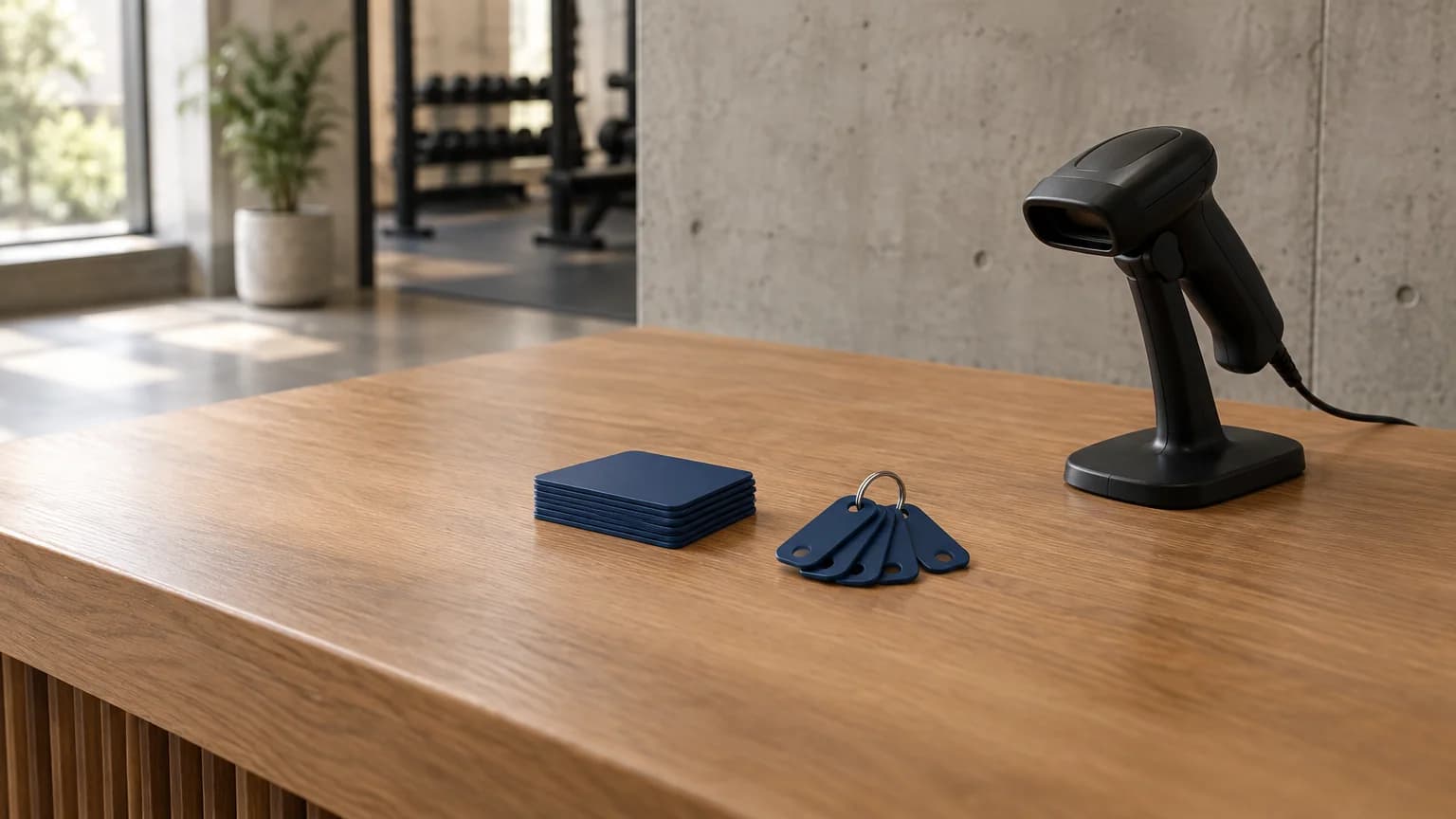
There's no print shop to call and no spreadsheet of card numbers to keep. You order your gym membership cards from Settings, Baseline assigns the numbers, and every card links to a member with a single scan.
Open Settings, then Gym Cards. Pick key tags or credit-card size, choose a quantity and upload your logo. Your contact and shipping details fill in for you.
A digital proof lands in your inbox within a few business days. Reply with any edits. Nothing prints until you approve it.
Your custom gym cards ship 5–10 business days after you approve the proof, in neutral packaging.
Open a member's record, scan a card once and save. That card is now their check-in code, and they can use it right away.
Membershipcardprintingusuallymeansonevendorforthecards,anotherforthecheck-insoftware,andaspreadsheetinbetween.Here,it'sallBaseline.
Both are full-color, printed with your logo, and carry a barcode your front desk can scan. Pick the one your members will actually keep on them.
Northgate Sports Academy
2000143
Northgate Sports Academy · (555) 010-0187
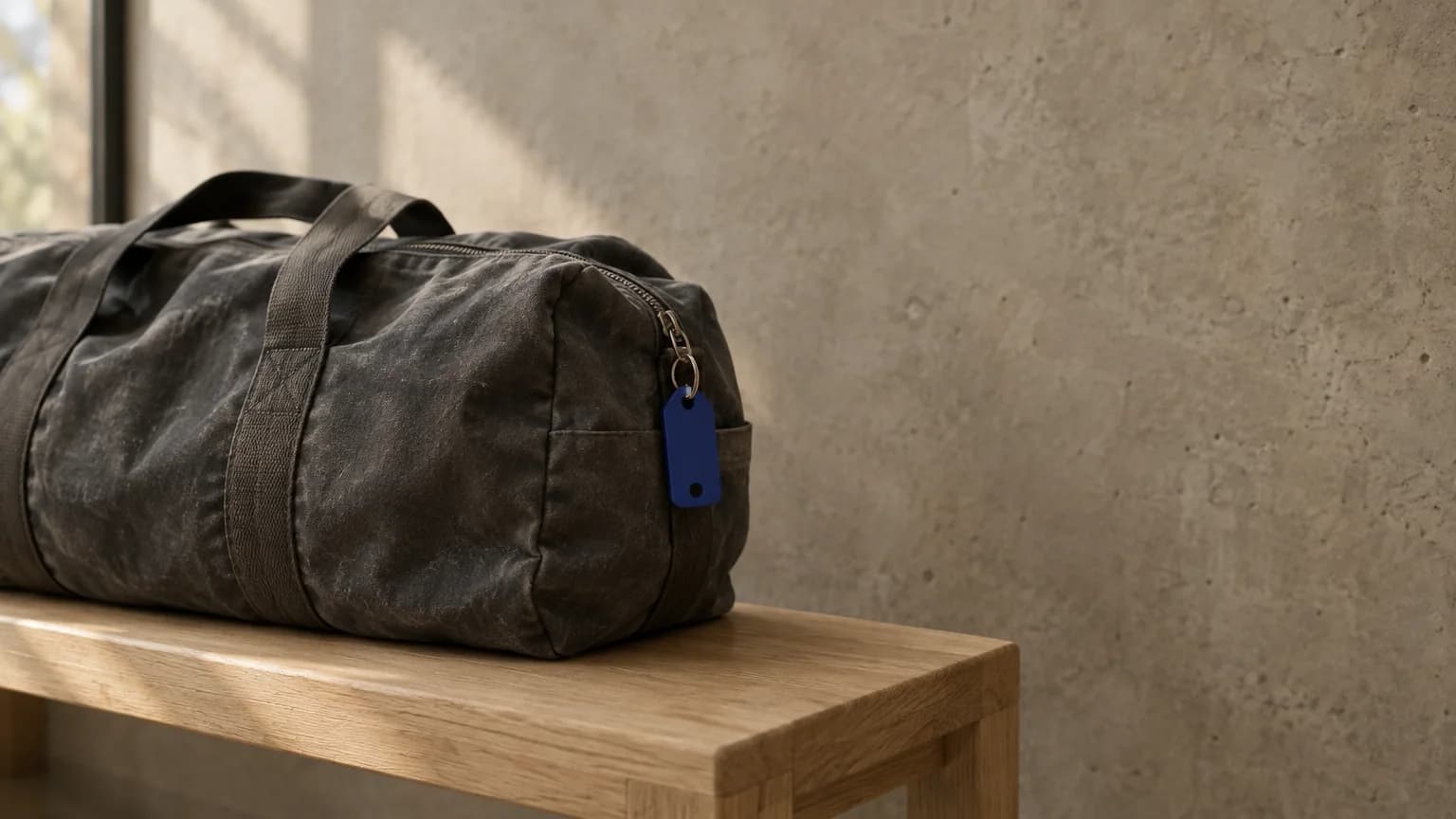
Membership key tags with a punched hole for a key ring, so the card lives where members already reach for it. If you've been searching for gym key fobs, this is usually what you're after: a printed barcode scanned at the desk, not an RFID fob.
Northgate Sports Academy
2000144
Northgate Sports Academy · (555) 010-0187
Credit-card-size gym membership cards that fit in a wallet. Same barcode, same scan at the front desk, and more room for your logo and contact details. These don't come with a hole for a key ring.
$1 per card
Sold in packs of 100, up to 1,000 per order. Key tags and credit-card-size cards are the same price, and it stays the same at every quantity. Card processing is added at checkout, and you see the full total before you order.
Gym cards are for facilities on Baseline. Check-in software is built in, and Baseline starts at $0/month.
Order cards
Card type
Quantity
Sold in packs of 100.
Charged to Visa 4242, the card saved on your profile.
I understand I must approve the final digital print proof before production starts.
Baseline takes your order, your payment and your card numbers. Ricky Lelito and the team at Scan-Cards, our print partner, handle your design, proofs, printing and shipping. Here's what happens and who you'll hear from.
In Settings, then Gym Cards, pick key tags or cards, choose a quantity, upload your logo and decide how you want the design handled. Tick the box confirming you'll approve a final proof before anything prints.
The card saved on your Baseline profile is charged right away, and Baseline reserves a sequential block of card numbers for your order. Your order then goes to Scan-Cards with your logo, artwork, back text and notes.
Need a design? You'll get 4 free design options to pick from, built from your logo and your website's branding. Uploaded your own artwork? They'll check it against the barcode safe zone. Expect to hear from them within a few business days, by email and often by text.
Reply to Scan-Cards with any changes. They'll send a final digital print proof showing your card, front and back. Nothing prints until you approve it.
Your cards are printed on 30 mil PVC and ship 5–10 business days after you approve the proof, in neutral packaging, to the address on your order.
Cards arrive unassigned. Open a member's record, scan a card once and save, and that card is their check-in code from then on.
Reply to your Scan-Cards email. Proofs go to the contact on your order, so watch for a message from orders@scan-cards.com.
Contact Baseline support. Your orders in Settings, under Gym Cards, shows each order's status and your card numbers.
Baseline's front desk check-in software turns a scan into the full picture: today's bookings, membership status, waivers, payment methods and anything overdue. It flags problems without locking anyone out, so the call stays with your staff.
Front desk check-in
Click into Scan checkin, scan a card and the member's review opens. The field clears for the next person in line.
Attendance that adds up
Check members into the session they booked, or create a one-hour open gym visit so drop-ins still show up in your numbers.
Problems caught at the desk
Missing waivers, late payments, expired cards and past-due memberships surface while the member is still at the desk.
Front desks don’t all work the same way. Baseline supports QR and traditional barcode credentials built for common front-desk scanners — plus manual lookup and a public phone-verification fallback when someone shows up without anything to scan.
Northgate Sports Academy
2000143
Northgate Sports Academy · (555) 010-0187
Open a member's record, scan a printed card once, and that card becomes their check-in credential — no separate access-card system to buy or run.
Check-in code
Show this at the front desk to check in.
Every eligible member gets a generated check-in code and image on their profile. If one is ever missing, Baseline creates it the moment the profile loads.
Check-in code
Show this at the front desk to check in.
Choose whether your account generates QR codes or traditional barcodes for common front-desk scanners. Existing credentials keep working until they're reissued.
Check in here
Northgate Sports Academy
Post your location's QR code at reception, the entrance, or a self-service station. Scanning it opens a branded check-in page for that location.
Open gym sign in
Jamie Brooks
Renews 11/01/26
Casey Brooks
Renews 11/14/26
Search eligible athletes as you type, filter by membership, and see each athlete's photo, membership, and renewal date before you check anyone in for open gym.
Check in at Northgate Sports Academy
Enter your phone number and we’ll text you a code to check in.
As a public fallback, a member enters their phone number, gets a six-digit code by text, and verifies it — with clear handling for unknown numbers and bad codes.
Duplicate-card detection stops one physical card from being assigned to two members.
Issue a fresh check-in code whenever a card or QR code needs replacing.
The old credential is revoked automatically, so a lost card stops working.
Every recognized scan opens the check-in review. Your team decides what gets checked in, resolved, or collected — with the whole picture in front of them.
Turn on Auto Front Desk Checkin and a recognized scan checks the member into an eligible booked session near that time, or records open gym if there isn't one. The popup still opens, so staff keep visibility.
Turn on Auto Self Checkin for your facility QR and a signed-in member can check themselves in. If it's off, they get the same readiness view and choose the session or open gym themselves.
Baseline doesn't sell scanners or require a brand. Gym cards use a standard Code 128 barcode designed for common front-desk scanners, and a scanner types the code into Baseline the same way a keyboard would.
Reads printed barcodes
Reads gym cards and key tags. It's usually the cheapest gym barcode scanner, but it can't read QR codes or a code on a phone screen.
Reads printed barcodes, QR codes and phone screens
Reads gym cards and key tags, plus the QR code or barcode on a member's phone. Get this one if members will check in from their phones too.
Shopping for a gym card scanner? If members will use their phones, check that the listing says it reads phone screens. Then set Front Desk Code Type in Baseline to QR or barcode so phone codes match your scanner. Printed cards always carry a barcode.
When a member scans in, attendance is recorded and the check-in review shows their bookings, waivers, and any payments that need attention.
When a membership billing cycle runs, new credits go out, family members stay covered, and door access follows the membership if you use keyless entry.
When a booking starts, the customer gets a text, taps a link, and unlocks the door — access revokes automatically when it ends.
Forecast upcoming revenue, age every outstanding balance, and let the recollection AI win back failed payments overnight.
See gym cards, member check-in, and the rest of Baseline running together on a quick tour.
Everything you need to know about gym membership cards, barcode key tags and member check-in.
A gym check-in system records who arrives and when, usually from a scanned card or a code on a phone. Baseline's gym check-in software also shows your front desk that member's bookings, membership, waivers, payment methods and anything overdue, all in one review, so staff can sort out problems while the member is still at the desk.
Gym cards cost $1 per card, sold in packs of 100, up to 1,000 per order. The price is the same at every quantity. Design, 4 print proofs and shipping are included. Card processing is added at checkout, and you see the full total before you order.
One pack of 100 cards. You can order up to 1,000 at a time, in packs of 100, and place another order whenever you need more.
Your digital proof arrives by email within a few business days. Cards ship 5–10 business days after you approve it, so the timing depends on how quickly you sign off.
Yes. Upload your logo when you order and Scan-Cards, our print partner, designs the card, with 4 free print proofs and edits on request. If you already have artwork, upload that instead. Either way, you approve a digital proof before anything prints.
Scan-Cards, our print partner. Ricky Lelito and his team handle your design, proofs, printing and shipping. Baseline handles your order, your payment and your card numbers. Reply to their emails about your design, and contact Baseline support about anything else on your order.
A payment card saved on your own Baseline profile, your logo file, a contact name, email and phone number, and a shipping address. Your facility details fill in for you. You can also add your website, what to print on the back, and any design requests or your own front artwork.
If you don't upload artwork, Scan-Cards creates 4 free design options from your logo and branding. Pick your favorite and ask for any edits, then approve the final digital print proof. Nothing prints until you approve it.
For key tags, make your file 2.25 by 1.25 inches (675 by 375 pixels at 300 DPI). For cards, make it 3.5 by 2.25 inches (1050 by 675 pixels at 300 DPI). Both sizes include 1/16 inch of bleed on every edge. Keep text and logos 1/8 inch inside the trim line, and leave the hole area clear on key tags. AI, PDF, EPS and SVG files are preferred, and PNG or JPG files should be at least 300 DPI.
No. Key tags come pre-punched for a key ring, but credit-card-size cards don't. If you need holes in your cards, ask in the special notes on your order and Scan-Cards can tell you what's possible.
Your orders in Settings, under Gym Cards, shows each order's status and, once it's sent for printing, your card numbers. Proofs and approvals happen by email with Scan-Cards, so watch the inbox of the contact on your order. Baseline doesn't show shipment tracking.
Size, and how members carry them. Key tags are 2.125 by 1.125 inches with a punched hole for a key ring. Membership cards are credit-card size, 3.375 by 2.125 inches, and fit in a wallet. Both carry the same type of barcode and scan the same way at the front desk.
Not quite. People often say key fob for any tag on a key ring, but a true fob is RFID and gets tapped on a reader. Baseline's key tags carry a printed barcode that's scanned at the front desk. For doors, Baseline's keyless entry connects smart locks, and it runs separately from check-in.
Every card carries a Code 128 barcode and its card number. Printed cards don't carry a QR code. QR codes are for phones: each member has a check-in code on their profile, and you choose whether those are QR codes or barcodes.
Baseline doesn't require a specific brand. Gym cards use a standard Code 128 barcode designed for common front-desk scanners, so a basic 1D laser scanner can read them. If members will also show codes on their phones, get a 2D imager and check that the listing says it reads phone screens.
Open the member's record, click Gym card / check-in code, scan the card and save it. The card number becomes that member's check-in code, and the code on their phone updates to match, so the card and the phone are one credential. Cards arrive unassigned, and staff link each one.
Scan a new card onto their record, or issue them a new code. Either way, the old card stops working and so does their old phone code.
No. Every member also has a check-in code on their profile that they can show from their phone. They can scan a posted facility QR code to check themselves in, staff can look them up by name for open gym, and there's a texted-code fallback for anyone who shows up with nothing to scan.
Cards are scanned into the Scan checkin field on a device signed in as staff. Turn on Auto Front Desk Checkin and a recognized scan checks the member in without anyone at the desk. The posted facility QR is a separate self check-in flow, and that one uses the member's own phone rather than a card.
With auto check-in on, one scan checks in the member and any linked family members who are booked into a session starting within 75 minutes of the scan. Team practices match on the roster. With it off, staff switch between family members in the review and check in each one.
No. The check-in review flags unpaid invoices, past-due memberships and missing waivers so your staff can deal with them, but it doesn't block anyone. Who gets through is always your call.
No. Gym cards check members in and record attendance. If you want doors to open for members, Baseline's keyless entry connects smart locks through Seam or Kisi and runs alongside check-in.
Check-in is built into Baseline, which starts at $0/month, so there's no separate check-in software to buy. Gym cards are ordered from Settings inside Baseline and link to your member records there, so you need a Baseline account to order them.