
Chat: Two-Way Messaging with Athletes and Parents
Real conversations inside Baseline. Coaches message athletes and parents, members reply, and every thread lives next to the schedule, teams, and billing they already use. Group chats and announcement-only threads, group chats opened from message blasts, pin, hide, and mute for every person, and a summary email with a one-tap sign-in link when someone has missed something. Off by default until an admin turns it on.

Our last update was Trainer AI, a sharper Support AI, shortcuts, and calendar views. This one is about a single thing, and it is the one facilities have asked us for most: real conversations with your athletes and parents, inside Baseline. It is called Chat.
Facilities run on group texts and reply-all emails that nobody can find later. Chat replaces that with one inbox inside Baseline. Staff start chats or announcement-only threads, message blasts open a group chat so replies land in one place, and every member controls their own notifications. Parents post under your facility's rules, kids under 16 read only, and staff can always post.
Off by default
Turning it on
Open Settings from your admin menu, choose the new Chat tile, and switch on Turn on chat for this account. A Chat tab appears under Messaging for your staff, and a Messages tab appears on every member's profile.
While you are there, set your first default: Parents can reply in group chats. Leave it on and parents take part. Turn it off and new group chats are read-only for parents, with staff still able to post. It applies to people added from that point on, and you can always let a specific parent post from that chat's settings.
What your staff get
- A Chat tab in Messaging. Every chat, with who wrote last, a preview line, and when. Filter by All, Chats, Announcements, Unread, or Hidden, and search by name.
- Chats and announcements. Open threads where everyone talks, or announcement threads where only staff post.
- Group chats from message blasts. Send a message blast and Baseline opens a group chat with those recipients, with the blast as the first message, so replies come back into one thread instead of your inbox.
- Start a chat from the side nav. Pick people one by one, or add whole groups by tag.
- Per-chat settings. Rename, add or remove members by name or by tag, choose person by person who can post, see each member's role and notification preference at a glance, and archive when a season ends. Unarchive any time.
- Two composer options. Highlight a message as urgent so it stands out in the thread, or also send it as an email straight away to everyone in the chat who hasn't muted it, with a link that signs them in and opens that chat.
What your members get
- Messages on their profile, showing just their own chats. They reply in the chats they are allowed to, and announcements stay read-only.
- Pin important chats to the top and hide the ones they are done with. Both are personal to each person, and hiding a chat leaves notifications alone.
- Notification control from the bell: all chat messages or admin messages only, plus mute on any single chat.
Nobody misses a message
Push notifications go out straight away. If someone still has unread messages after 30 quiet minutes, Baseline sends one branded email listing the chats waiting for them. Its Open my messages button signs them in and lands them on their profile with Messages open. The link is personal and expires in 24 hours. If they have already caught up, no email goes out.
Muting is honoured everywhere. A muted chat, or a person who chose admin messages only, is treated the same way in the summary email, and the email explains how to change it.
Built for youth sports
- Under 16 is read-only. Members under 16 can read the chats they are in but cannot post, regardless of any other setting.
- Staff can always post. Only archiving a chat stops them.
- Admins run it. Creating chats, editing members, changing posting access, and archiving are admin actions. Members reply, pin, hide, and set their own notifications.
- Facility roster only. Only people in your facility can be added to a chat.
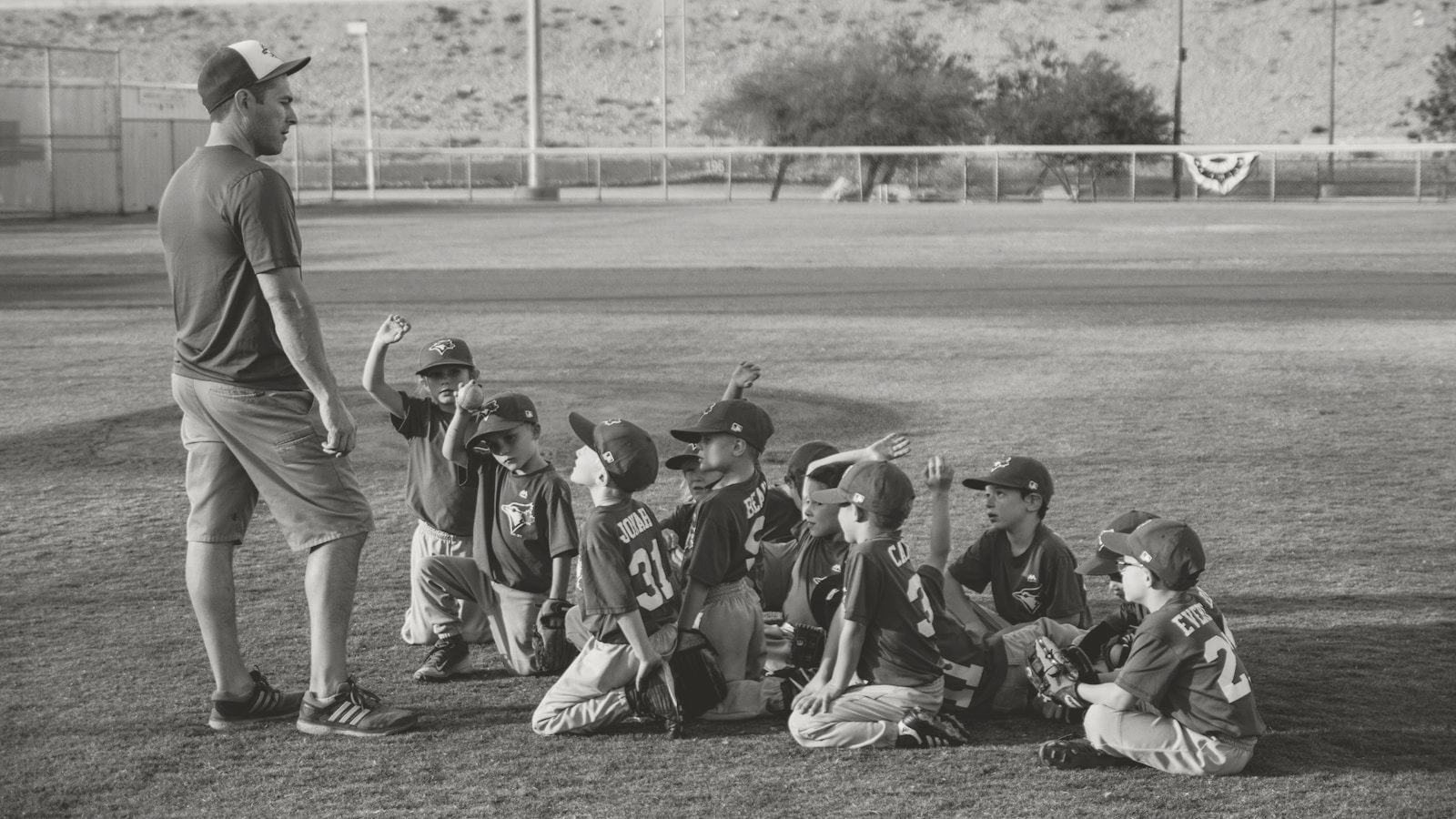
What Successful New Sports Facilities Do Differently
Operators who communicate clearly and often earn 3.5× more than those who post the basics. Chat is the part of that we could build.
Read the studyGet started
- Settings → Chat → turn it on.
- Decide whether parents can reply in group chats.
- Start one announcement thread for your whole facility.
- Send your next message blast and watch the replies arrive in Chat.
Questions we expect
Will my members see anything before I turn it on? No. Every Chat surface is hidden until an admin switches it on.
Can I turn it off again? Yes. The Chat tab and Messages tab disappear. Existing conversations are kept.
What happens if I turn off “Parents can reply in group chats”? New group chats are read-only for parents. Staff can still post. Parents already in a chat keep whatever access they had, and an admin can allow an individual parent from that chat's settings.
Do muted chats still email me? No. Muting a chat, or choosing admin messages only, applies to the summary email as well.
Want help turning it on?
If you're already on Baseline, Chat is waiting in Settings. If you're not, see how team communication fits into the rest of the platform at baselinepro.com, or book a demo.
Fewer group texts. More coaching.
Baseline is the all-in-one operating system for sports facilities, clubs, and travel teams — scheduling, payments, programming, and team management in one platform.
Keep reading
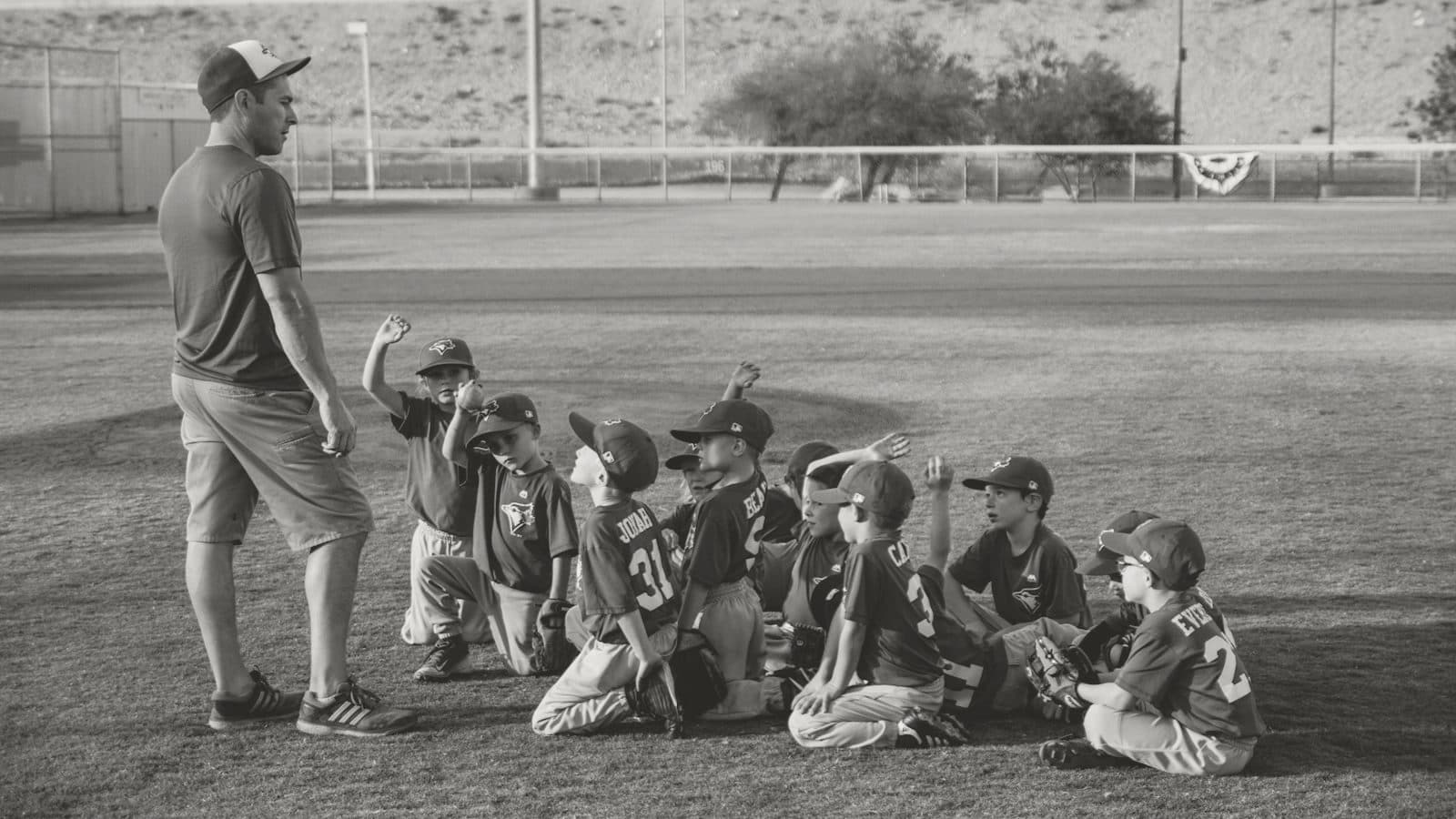
What Successful New Sports Facilities Do Differently
A data-backed operator playbook from Baseline cohort research: the four operational levers that move the needle in a facility's first year — and the four things you can stop worrying about.
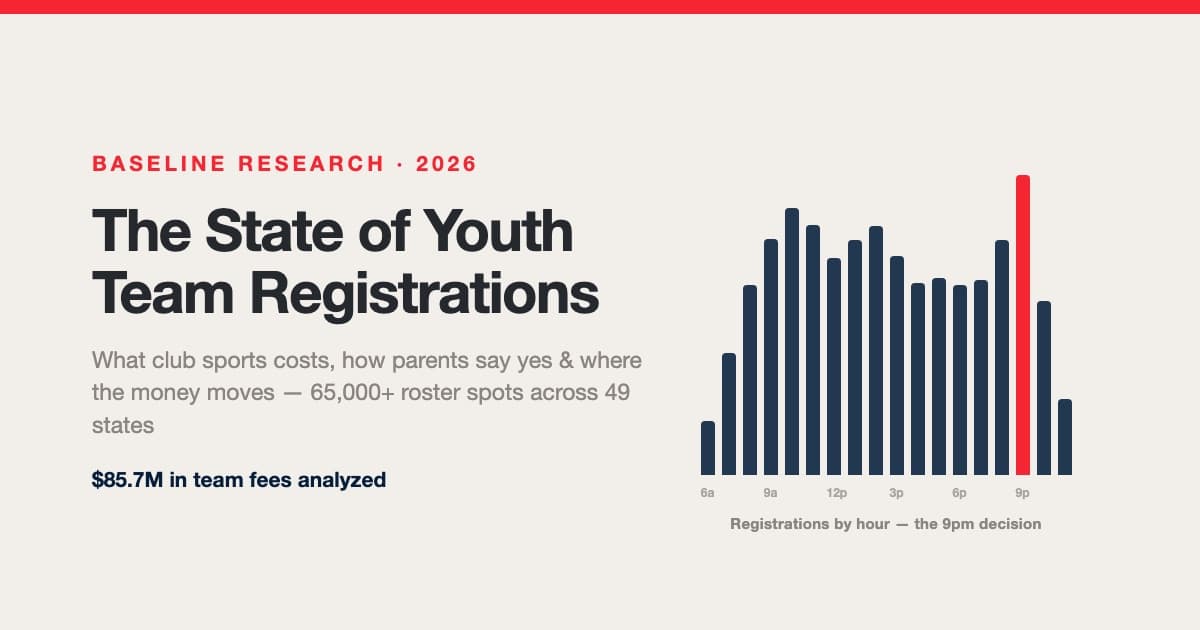
The State of Youth Team Registrations: What Club Sports Costs, How Parents Say Yes & Where the Money Moves
We analyzed 65,000+ roster spots and $85.7M in team fees across 337 club businesses in 49 states. What a season really costs by age and state, the $300 deposit standard, the ~15-point collection tax on cash-and-check dues, the 3x recollection gap between clubs — and the one screen where families pause on the way to a completed registration.
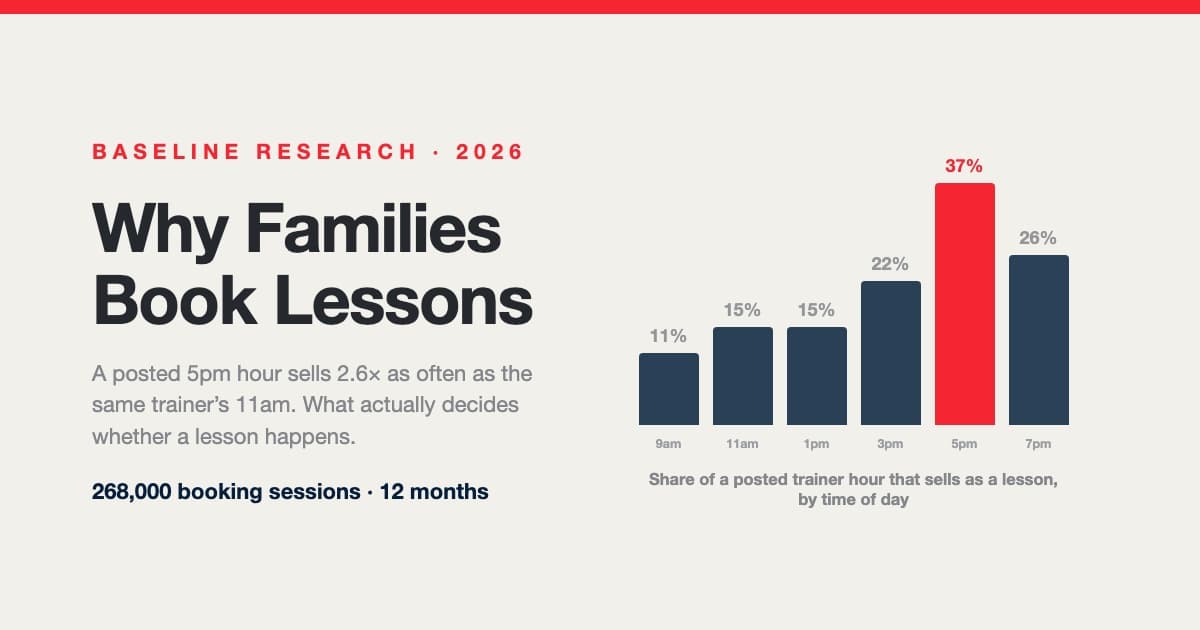
Why Families Book Lessons — and Why They Don't: A Year Inside 268,000 Booking Sessions
A posted 5pm hour sells nearly three times as often as the same trainer's 11am. Across 268,000 booking sessions, 29,812 families and 107,000 posted trainer shifts, what decides whether a lesson happens isn't price, sport or lesson length — it's which hours are on the calendar and how late families go looking. Including a measured answer to the question every operator asks: do 15-minute intervals actually win you bookings?